
How to launch command prompt on Windows 11

How to launch command prompt on Windows 11
In this tutorial, we will learn steps to launch command prompt on Windows 11 operating system. On Windows 11 we will notice that the Start menu is in the center by default. This is one change that you will notice when you migrate from Windows 10 operating system to 11.
Environment Used:
Windows 11 operating system.
Command prompt on Windows 11
Steps to launch command prompt with Administrative privileges are:
Click on the search lens icon in the center Taskbar.
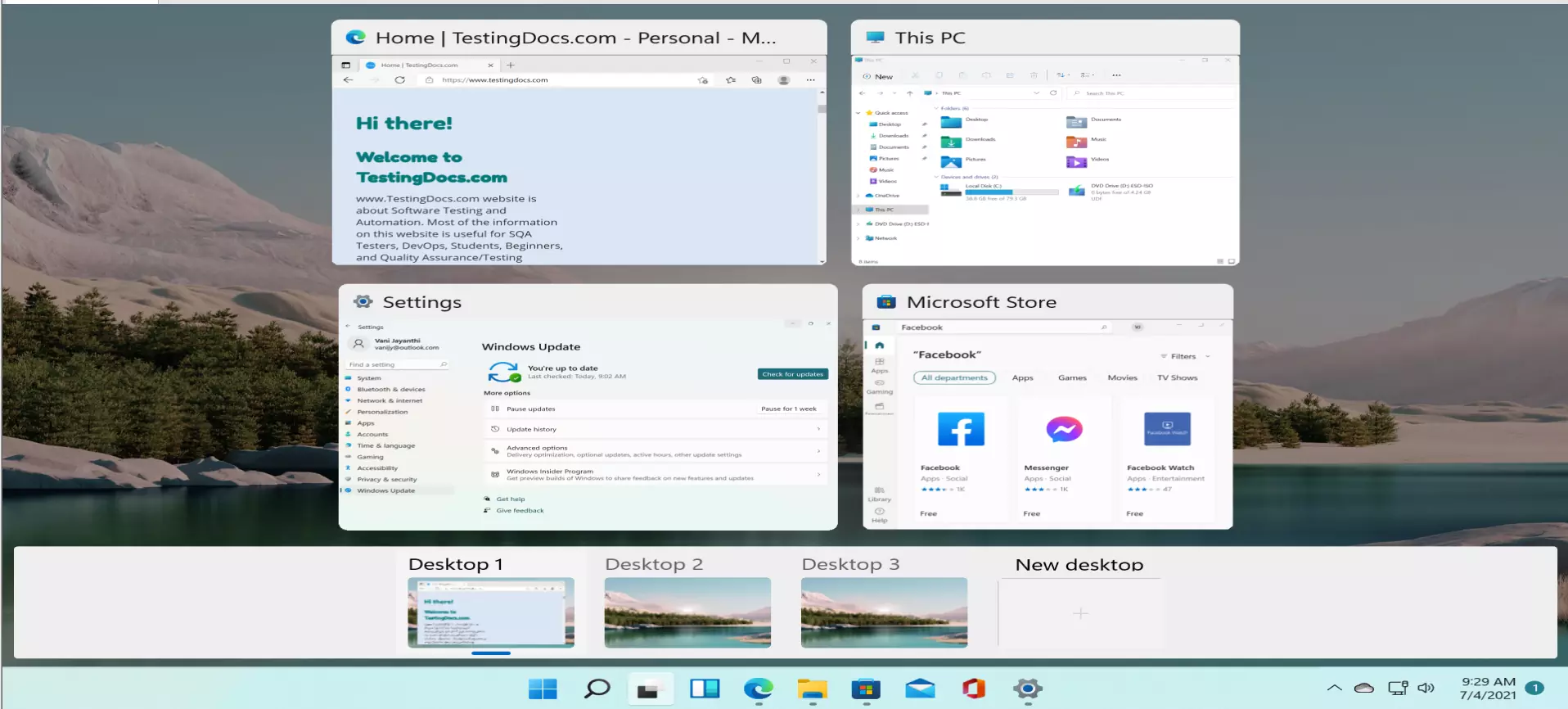
Search for ‘cmd’ in the search bar. On the command prompt search result, right click and choose ‘Run as administrator‘ context menu option.

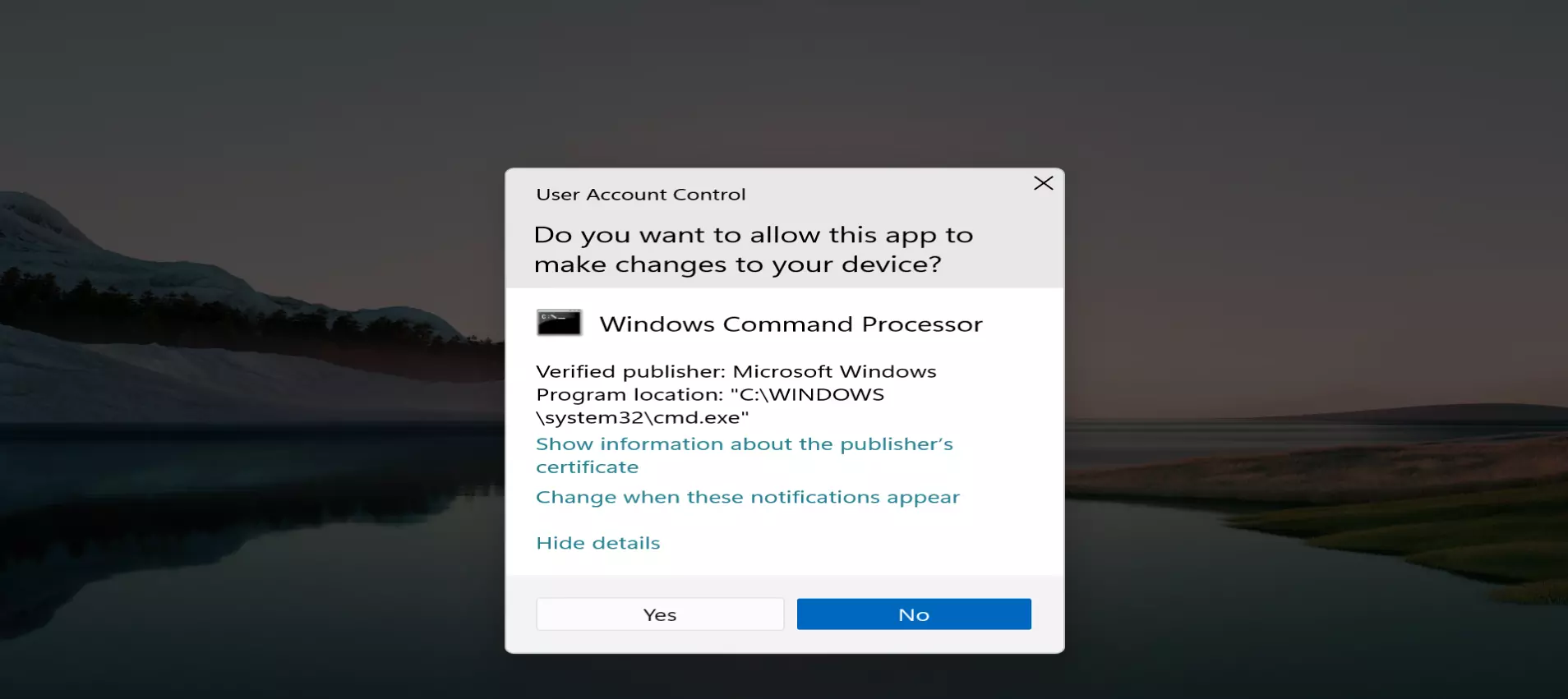
This will launch the UAC (User Account Control) elevation prompt. Click on the ‘Yes’ button.
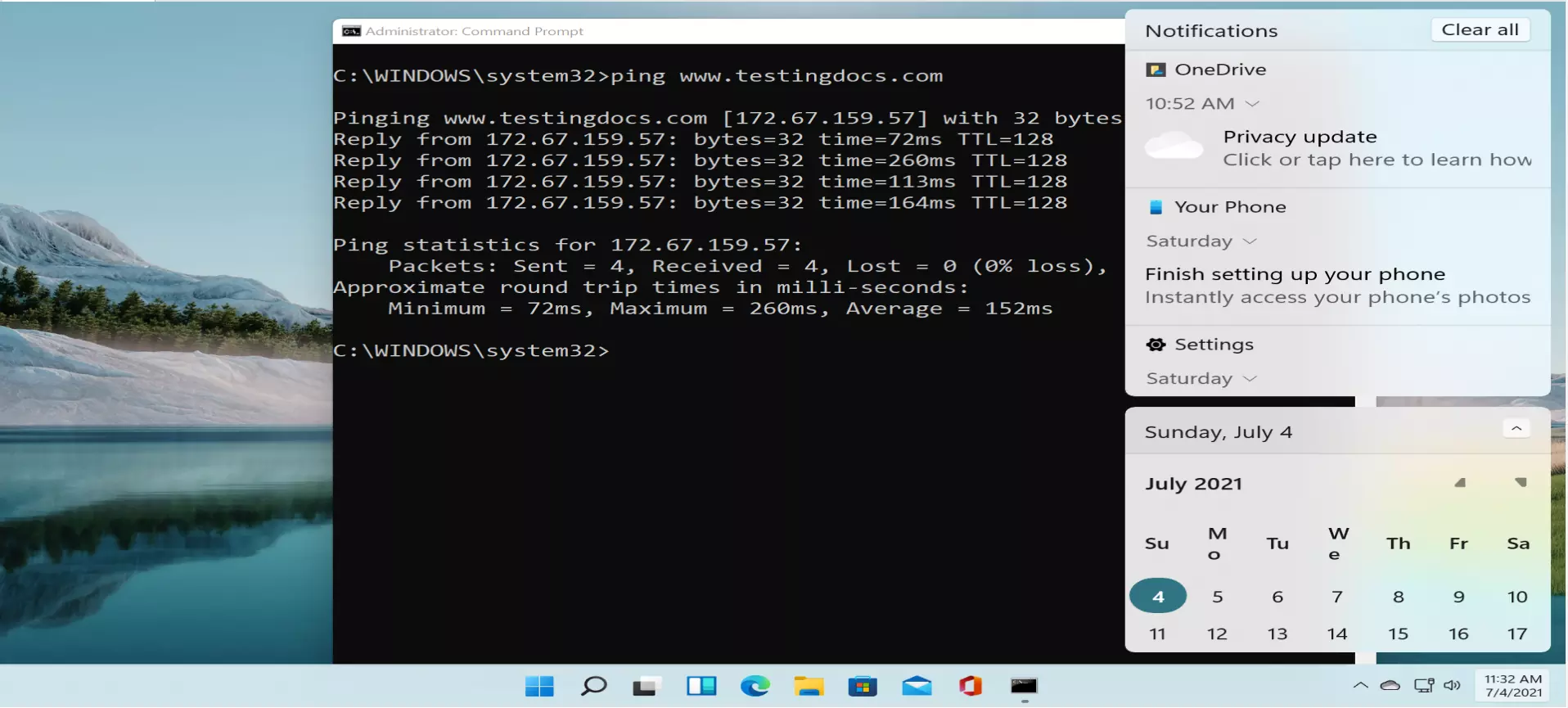
Command prompt should launch with Administrative privileges. You can starting working with the command shell.
Pin to Start option adds the Command prompt to the Start screen.
Pin to taskbar option will add the command prompt icon to the center taskbar. Next time to launch it, we can just click this icon in the Taskbar to save time.