
Install Android Studio on Ubuntu

Install Android Studio on Ubuntu
In this tutorial, we’ll be going through the steps of installing Android Studio on Ubuntu Server. Android Studio is an integrated development environment that provides tools for building apps on Android devices.
Some of the features are:
- Code development
- Debugging
- Performance tooling
- Build and Deploy System
Environment: Ubuntu Linux Server LTS.
Installing Android Studio
Click on Show applications tab on the left bottom corner.
Launch Ubuntu Software Marketplace.
Search for the application: Android Studio.
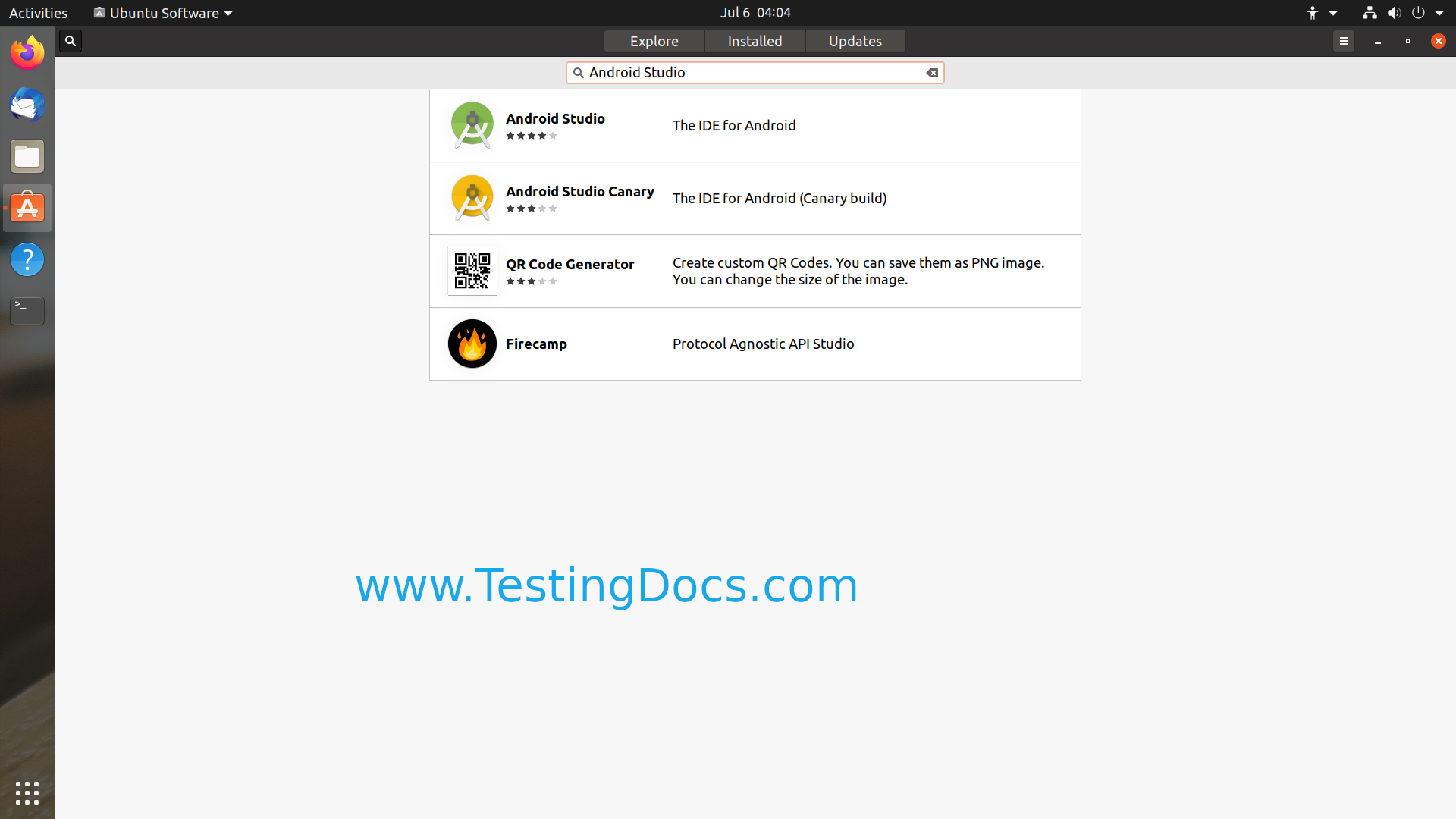
Click on the Android Studio search result.
Click on the Install button.
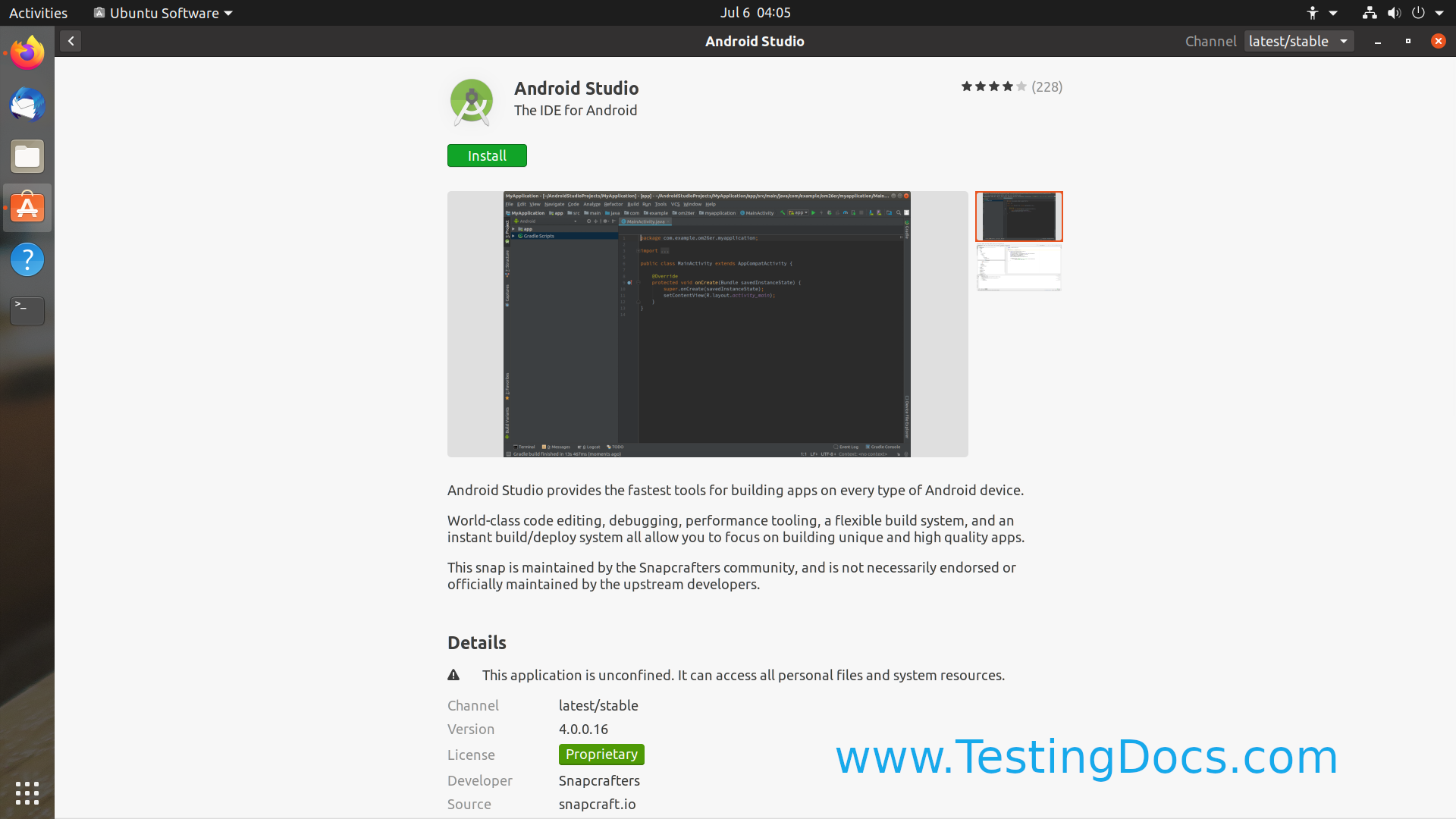
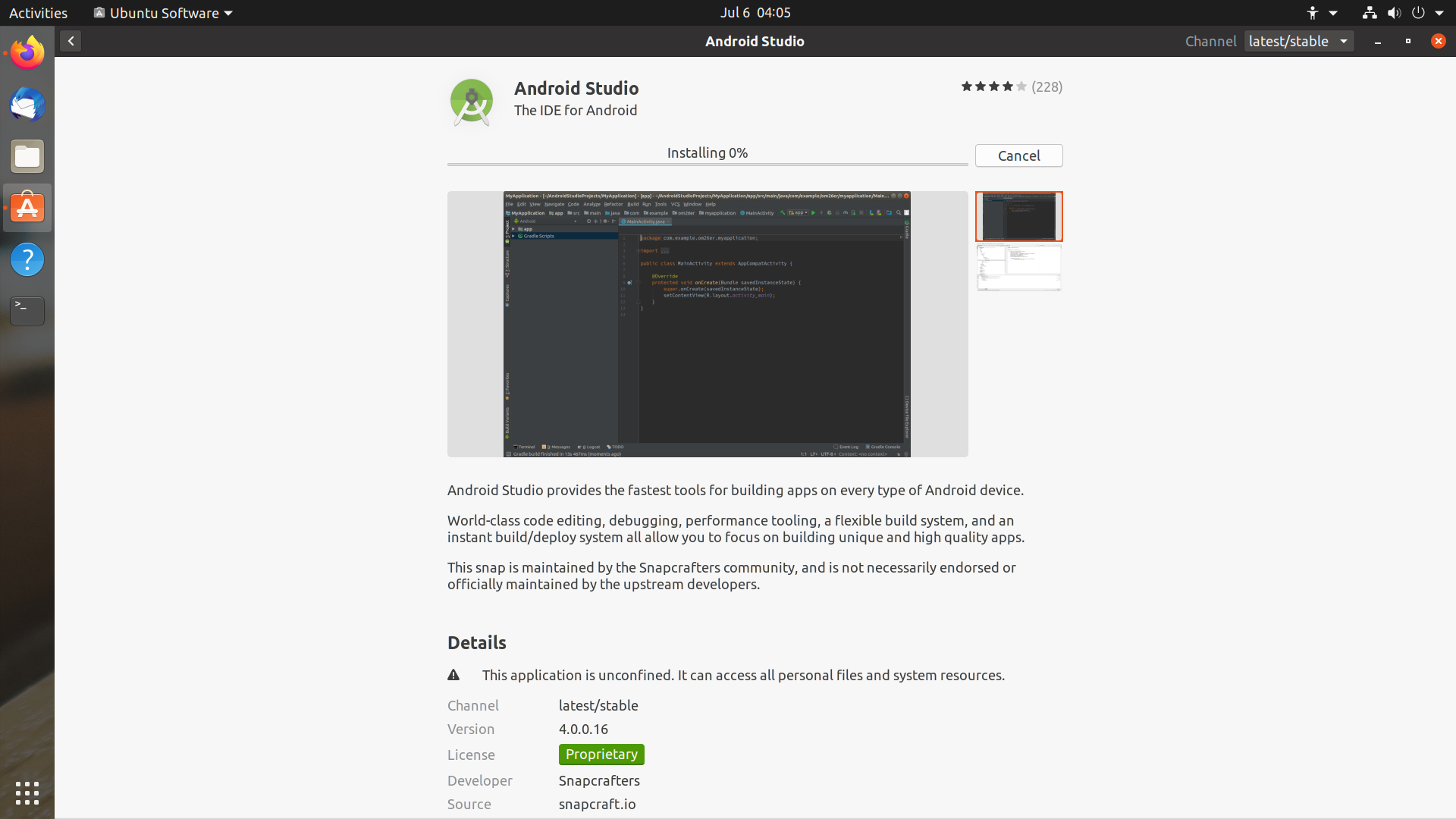
The application would be downloaded and installed on your machine.
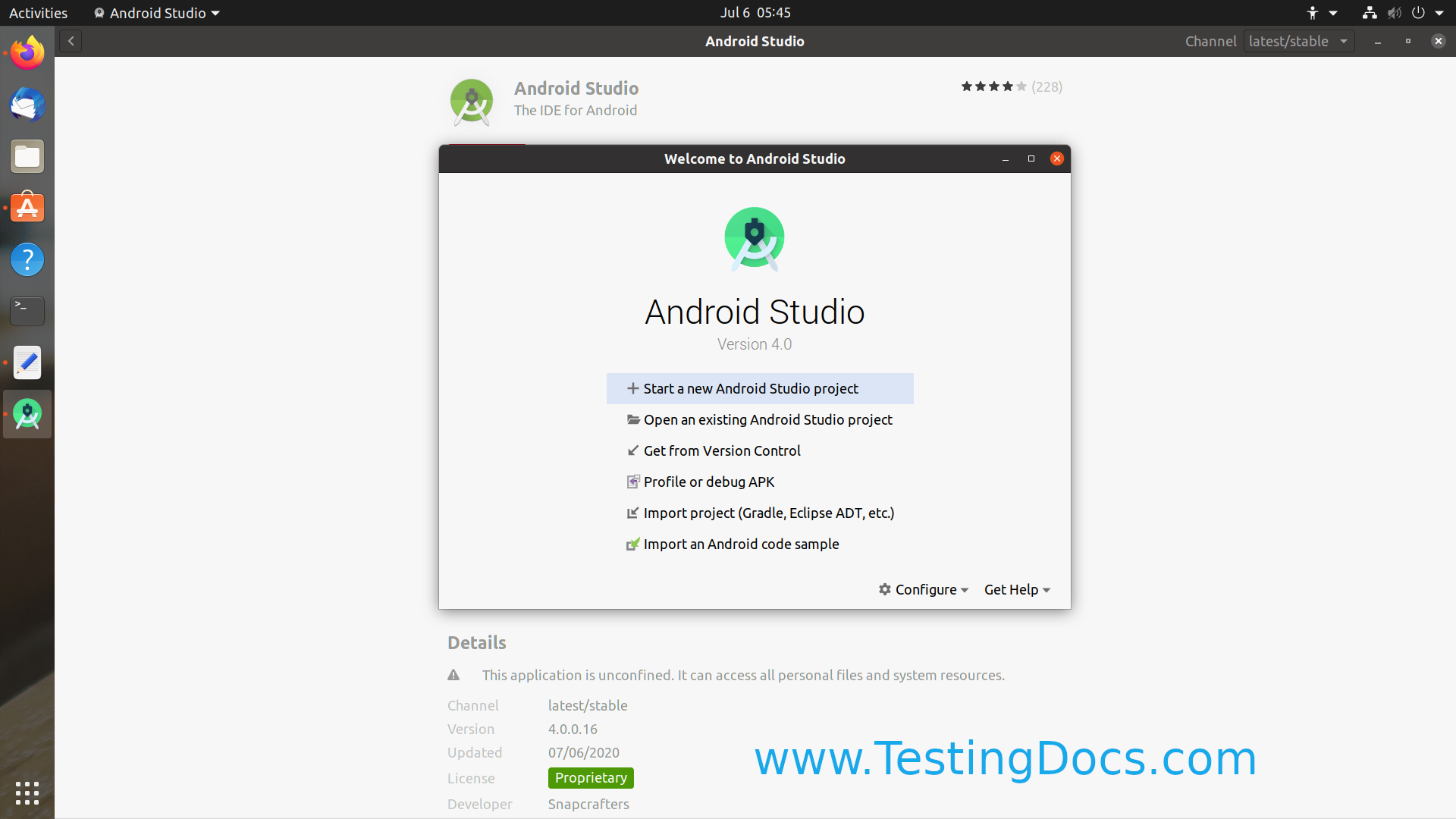
Verification
Launch the Android Studio application.
Create a sample project.
In most cases, the Android Studio would be outdated. Update the Android Studio in the SDK Manager.
These basic steps ensure that the application works as expected on the machine.