
Blog
MySQL CREATE DATABASE Statement

MySQL CREATE DATABASE Statement
In this tutorial, we will create a new MySQL database on the Windows operating system using the CREATE DATABASE statement.
A database is an organized collection of data that is stored and accessed electronically. It allows users to efficiently store, retrieve, manage, and update data. Databases are commonly used in applications, websites, and enterprise systems. A MySQL database is represented as a directory under the data directory.
CREATE DATABASE Syntax
The general syntax for the CREATE DATABASE statement is as follows:
CREATE DATABASE [IF NOT EXISTS] <database_name>
[[DEFAULT] CHARACTER SET <character_ set_name>]
[[DEFAULT] COLLATE <collation_name>]
The CHARACTER SET specifies the default character set to use and the COLLATE clause selects default collation for the ordering.
Example
We need to create a database to use and store data in it. A database allows us to store application data in tables. It acts like a back-end data store for the application.
CREATE DATABASE `world` DEFAULT CHARACTER SET utf8mb4;
New MySQL Database
In this example, we will create a sample database called: testdb
Using MySQL Workbench
Steps to create the database.
Launch MySQL Workbench tool. In the SQL Editor tab type the following command:
/> CREATE DATABASE testdb;
Click on the Execute button to execute the SQL query.
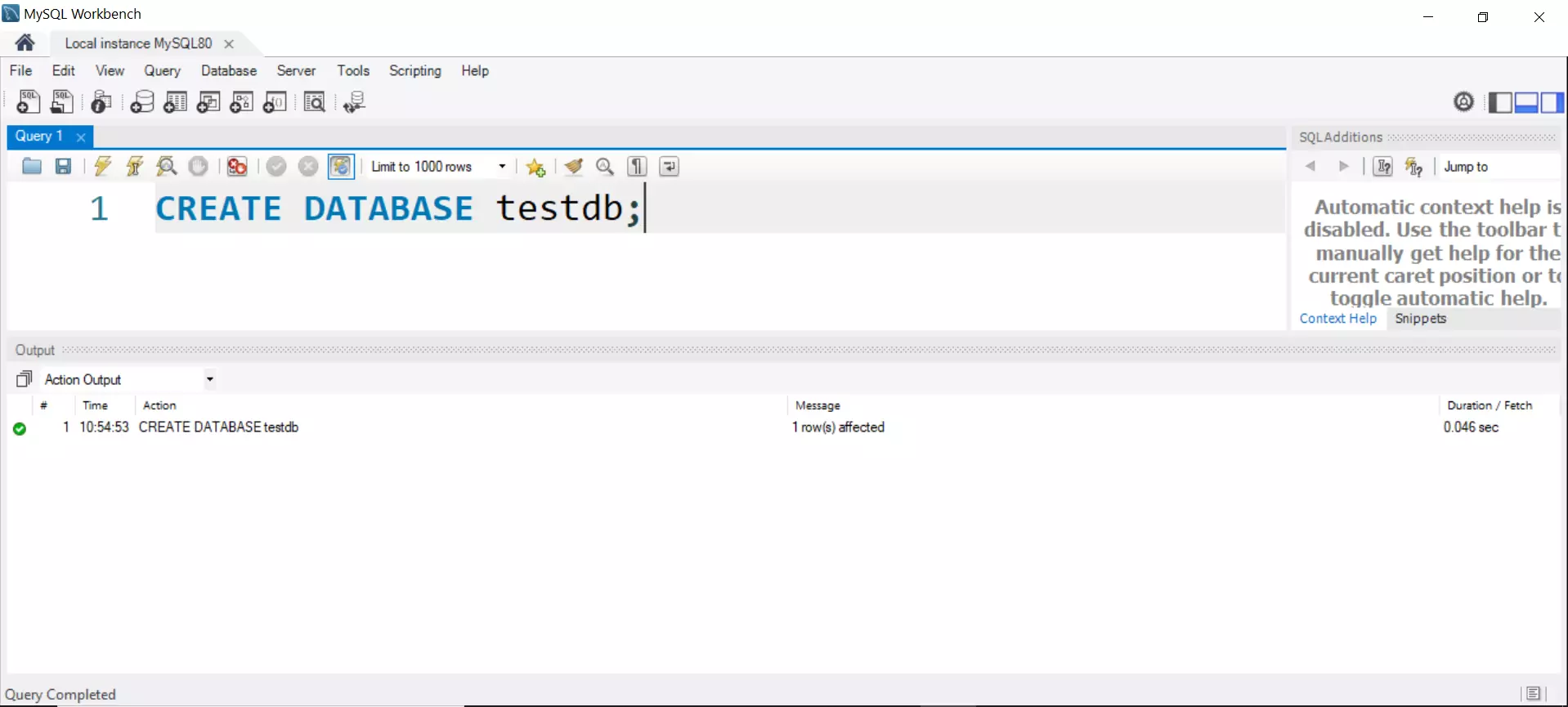
Issue the following command to check the database.
show databases;
The newly created database should be listed in the query output.

Using MySQL Client
Launch command prompt. Type the following command. To run mysql command from anywhere in the command prompt, we need to add the MySQL bin folder to the PATH variable.
\> mysql -u root -p
Enter the root password.
In the mysql prompt, enter the command.
mysql> CREATE DATABASE testdb;
Query OK, 1 row affected (0.21 sec)

That’s it. We have successfully created a new MySQL Database. We can verify that the database is created using the SHOW DATABASES command.
Video Tutorial
MySQL Tutorials
MySQL Tutorials on this website: