
Run Selenium tests on the Opera browser

Run Selenium tests on the Opera browser
In this tutorial, let’s learn the steps involved to run Selenium tests on Opera Browser. Opera is one of the most popular web browsers. Selenium automates a web browser. First things first, download and install Opera browser on the Windows test machine.
The steps to download and install are listed here:
Download Opera Driver
Navigate to the following URL:
- https://www.selenium.dev/downloads/
Expand Browsers accordion.
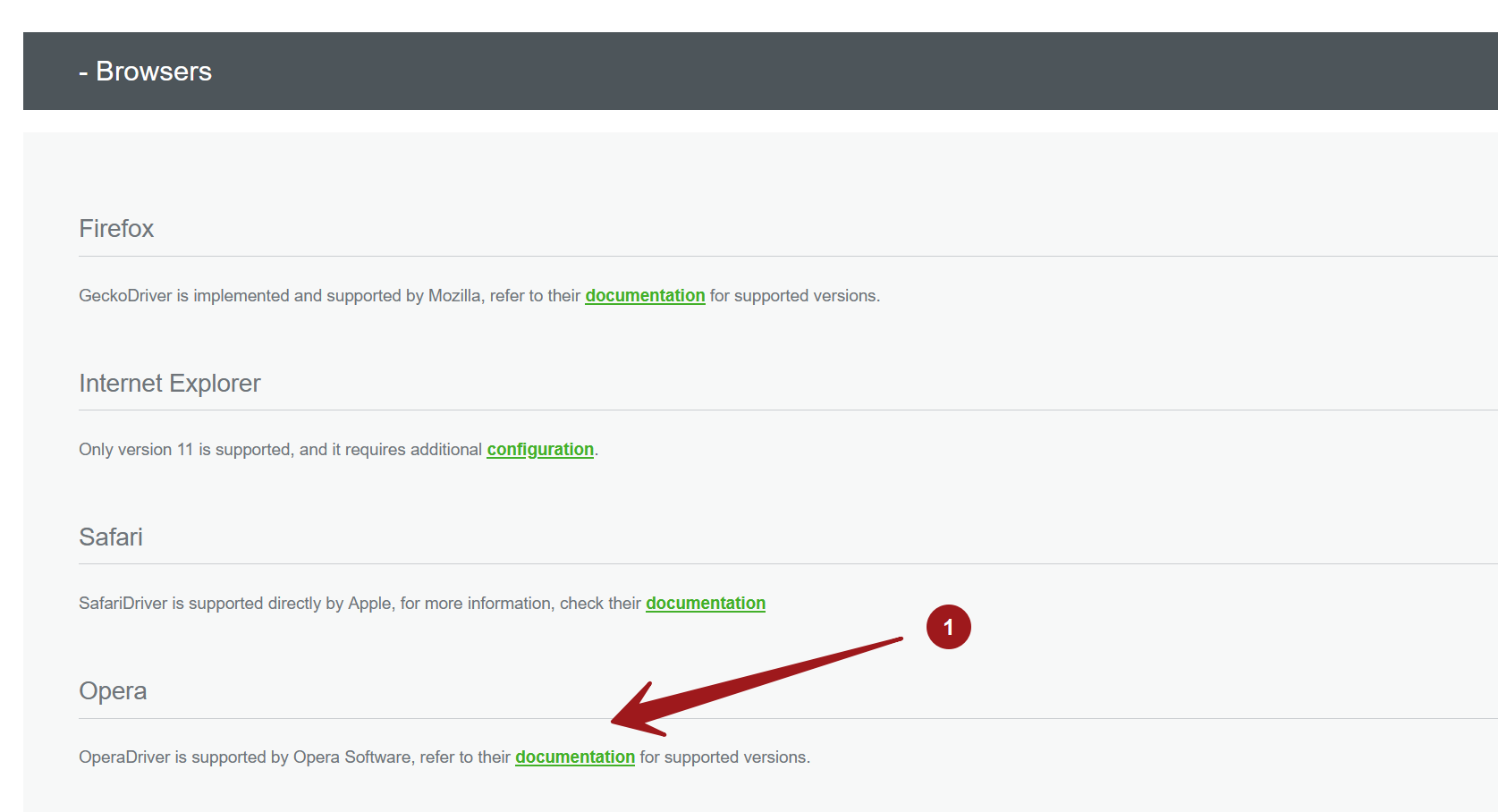
Click on the documentation link.
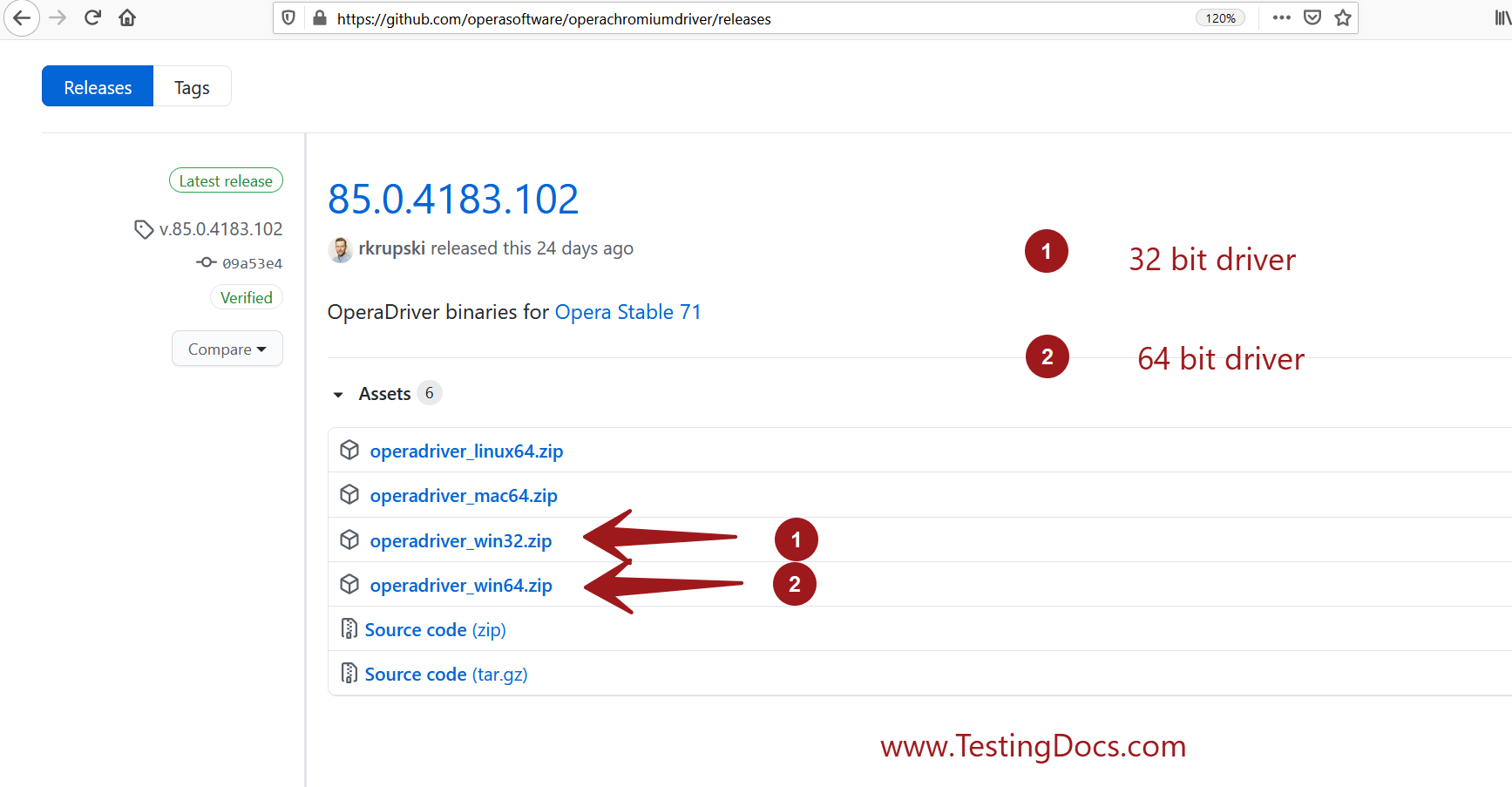
Download the Opera driver from the link.
- https://github.com/operasoftware/operachromiumdriver/releases
Sample Test
- Open an IDE tool like Eclipse or IntelliJ IDEA. Create a Test Project.
- Copy the opera driver under the project directory.
- Create a Test class.
- Add the following test code to the test class.
import java.util.concurrent.TimeUnit;
import org.openqa.selenium.WebDriver;
import org.openqa.selenium.opera.OperaDriver;
import org.testng.Assert;
import org.testng.annotations.AfterClass;
import org.testng.annotations.BeforeClass;
import org.testng.annotations.Test;

public class OperaSeleniumTest {

    private WebDriver driver;

    @Test
    public void sampleTest() {
        driver.get("https://www.google.com");
        driver.manage().timeouts().implicitlyWait(30, TimeUnit.SECONDS);
        Assert.assertEquals(driver.getTitle(), "Google", "I'm verifying window title here in this test");
    }

    @BeforeClass
    public void beforeClass() {
        System.setProperty("webdriver.opera.driver", "operadriver.exe");
        driver = new OperaDriver();
    }

    @AfterClass
    public void afterClass() {
        if(driver != null)
        {
            driver.quit();
        }
    }
}
The following code sets the opera driver path. Specify the path to the driver on your machine.
System.setProperty(“webdriver.opera.driver”, “<path to the operadriver.exe>”);
We can instantiate the driver by using the following code line:
WebDriver driver = new OperaDriver();
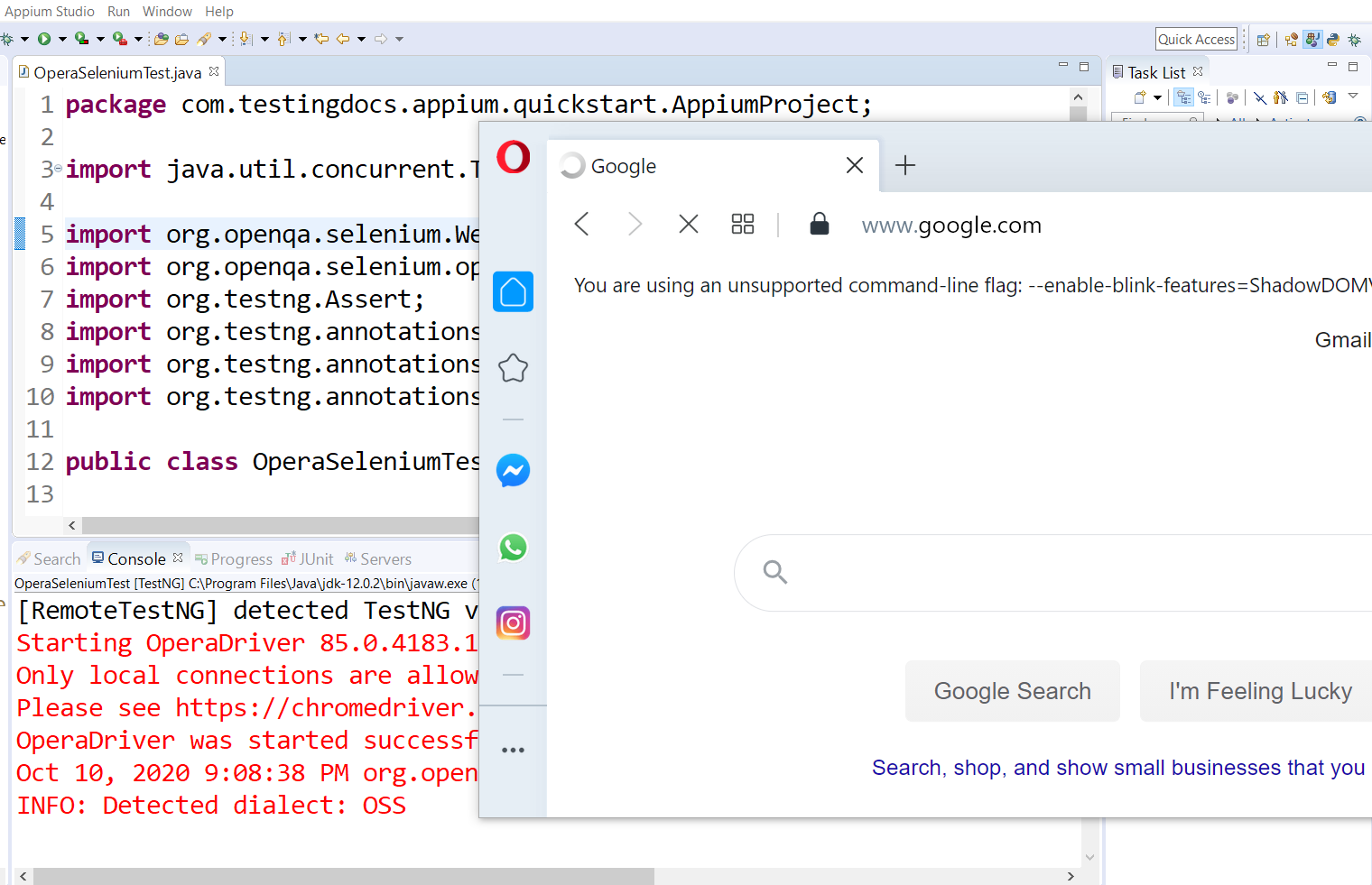
Run the test code. The test should open the Google search page on the Opera browser and run the sample test.