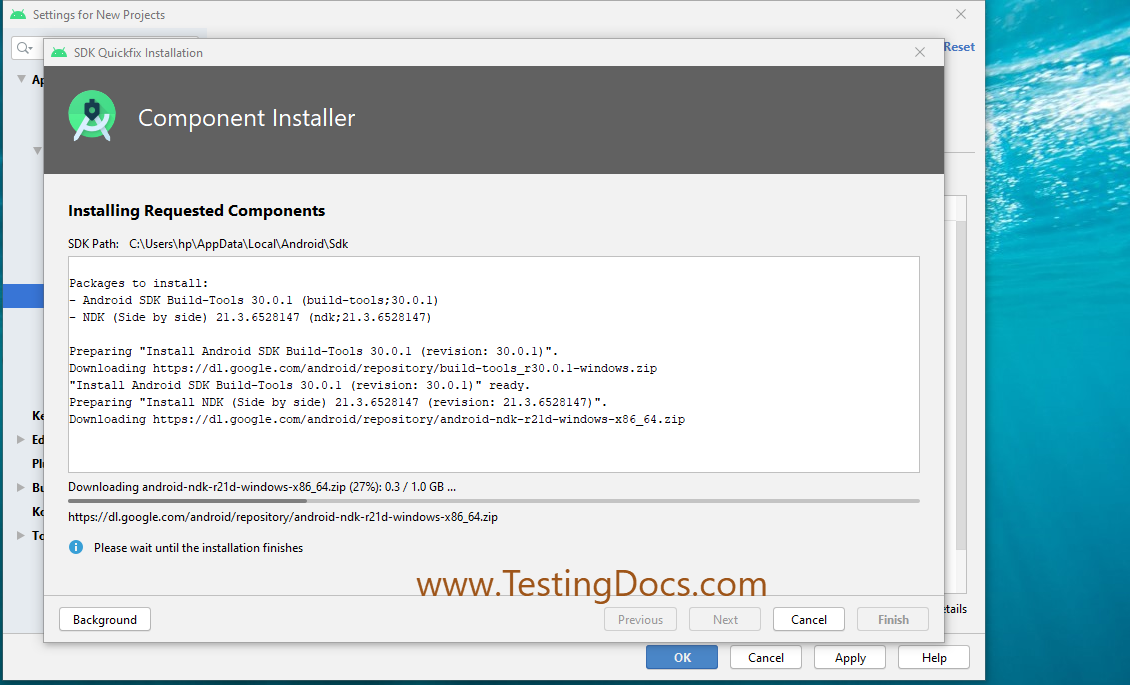
Update Android Studio on Windows 10

Update Android Studio on Windows 10
On this page, we will learn the steps involved to update the Android Studio on Windows 10 operating system machine.
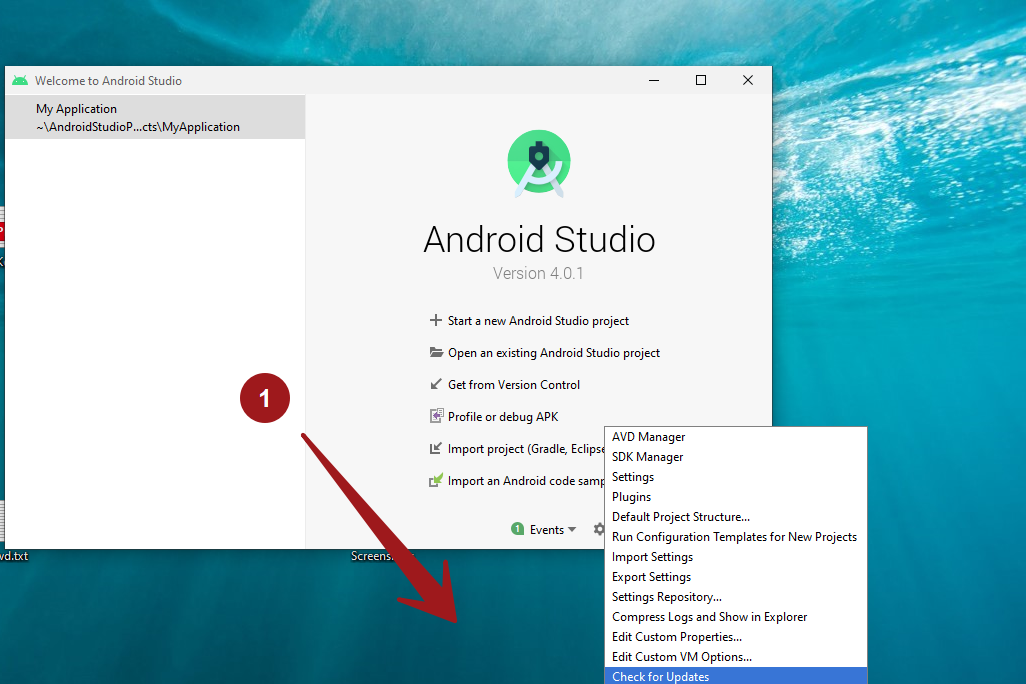
Check for Updates
Launch the Android Studio application.( Click on the desktop icon or the Task bar icon of the Android Studio.)
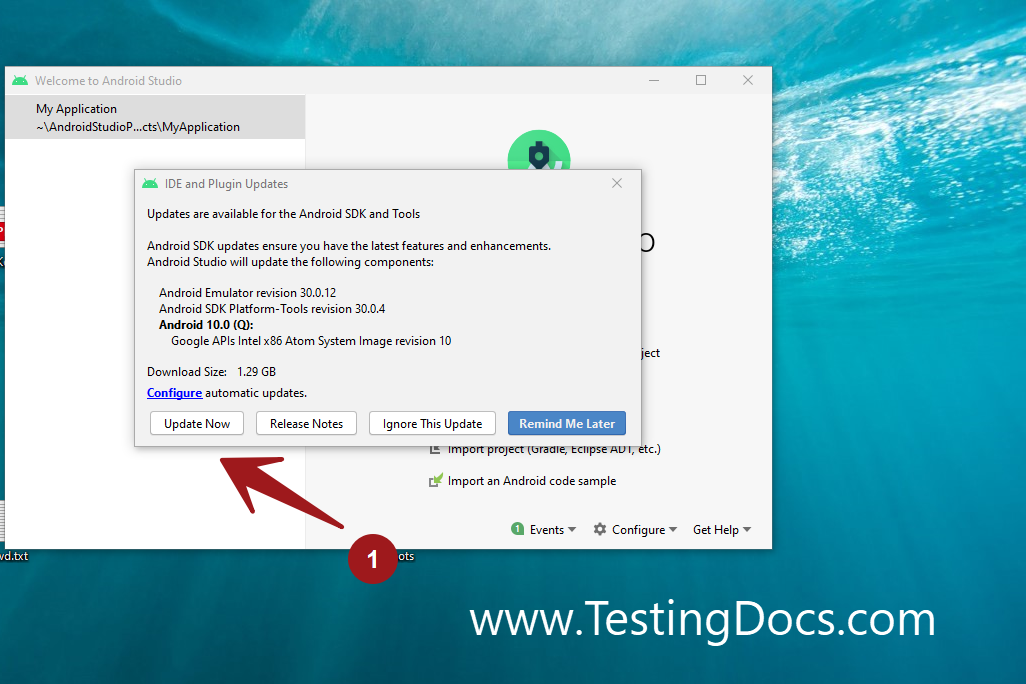
Update components
Select the Update Now button to update the Android SDK.
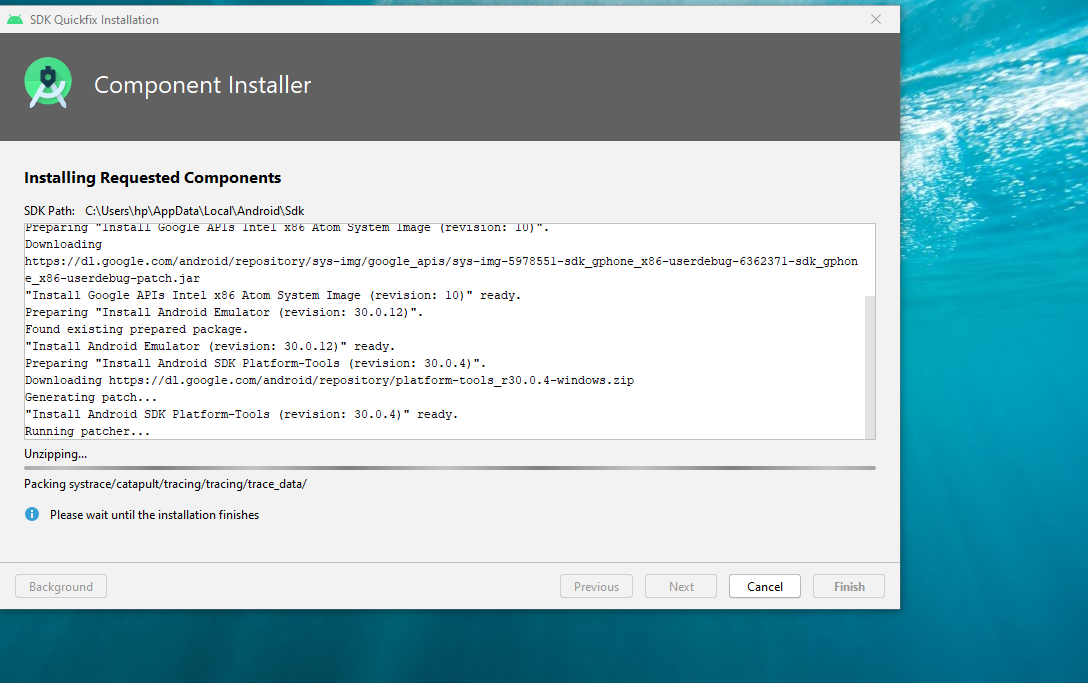
Installing Components
Once we click on the update button. The installer would install the components.
SDK Tools Update
Select the Android SDK >> SDK Tools tab.
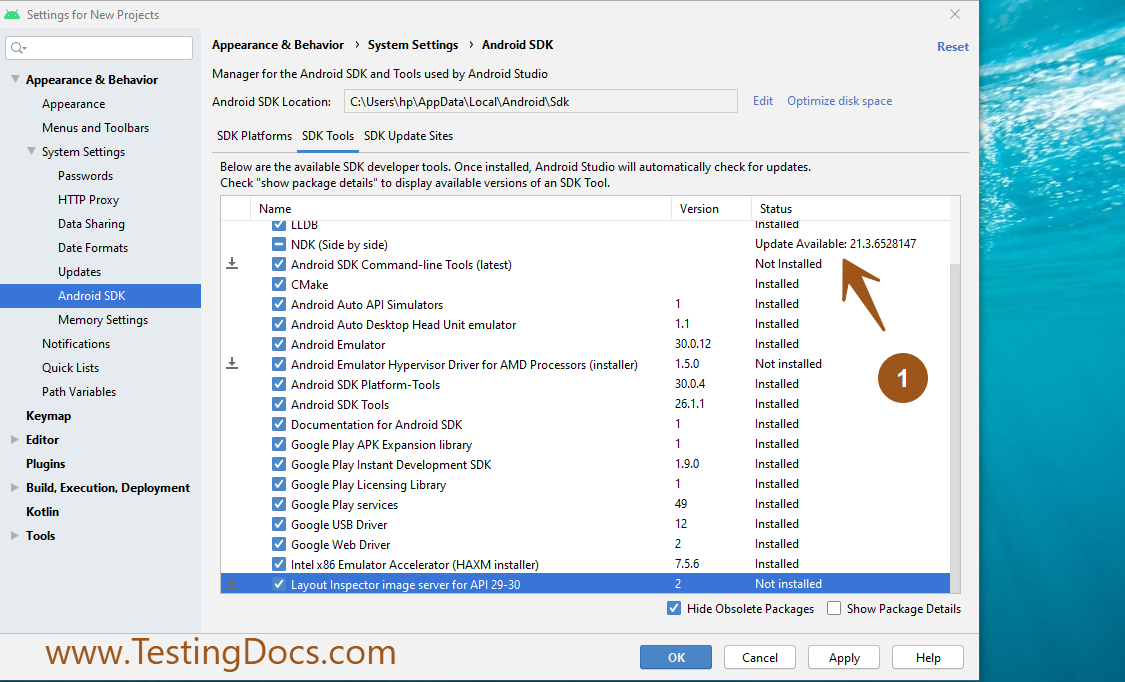
Select the components that have updates and click on the Apply button to update the components.